
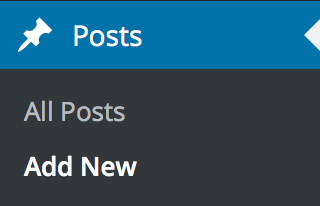
- Click Posts > Add New
- Enter a title and the blog post content.
- In the Post Settings Sidebar on the right side, you can
- upload a featured image
- select or add a new category
- select or add a new destination

- select or add new tags
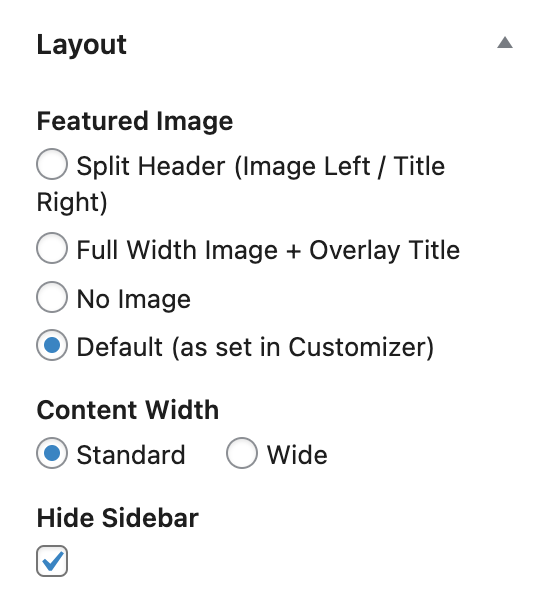
- select the post layout
- Click Publish.
Go to Appearance > Customize > Layout > Single Posts and select which post meta you wish to display on single blog pages.