
Display a Newsletter Sign Up Form with Background Image

How to use
- Install and set up the MailChimp for WordPress plugin. You can find the instructions here.
- In the top left corner, click + to add a new block.

- Select the MAKAI Newsletter SignUp block.
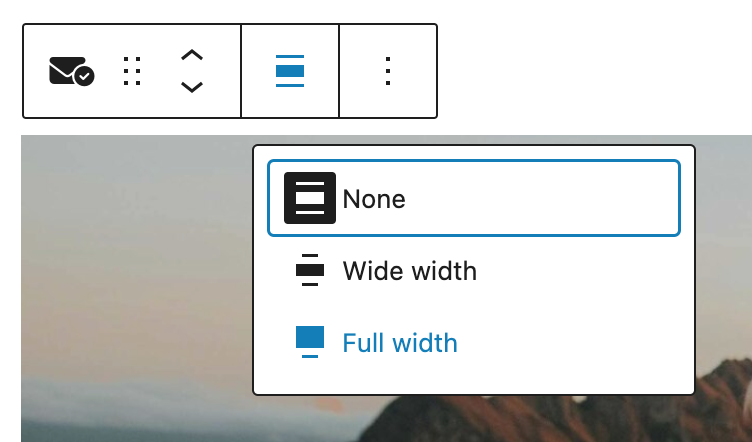
- In the block toolbar, you can change the block alignment to Full Width
- In the right sidebar, find all the settings for the block.
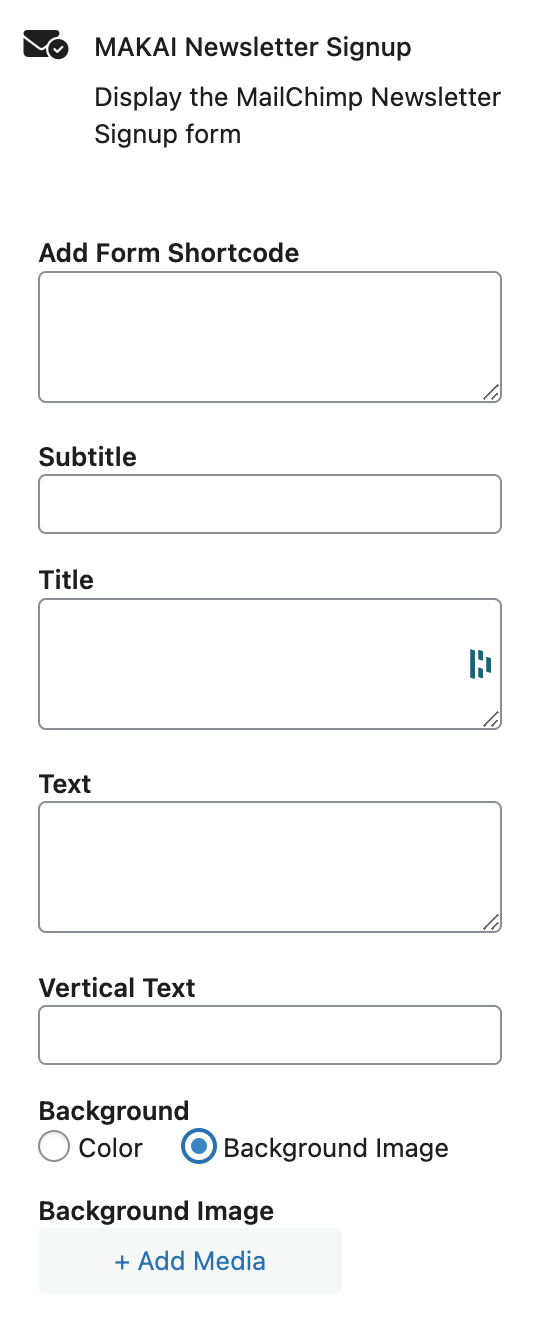
- Go to MC4WP → Forms to find the forms shortcode right below the Title. Copy the shortcode and add it to the Add Form Shortcode field.
- Add your title and text and upload a background image.