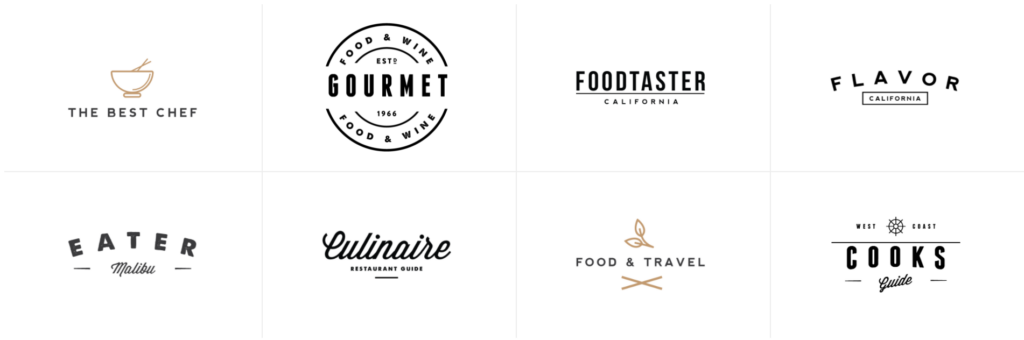
Display press logos or logos of partners and optionally link them to any URL.
How to use
- In the top left corner, click + to add a new block.

- Select the SoulKitchen Logos block.
- In the right sidebar, find all the settings for the block.
Block Settings
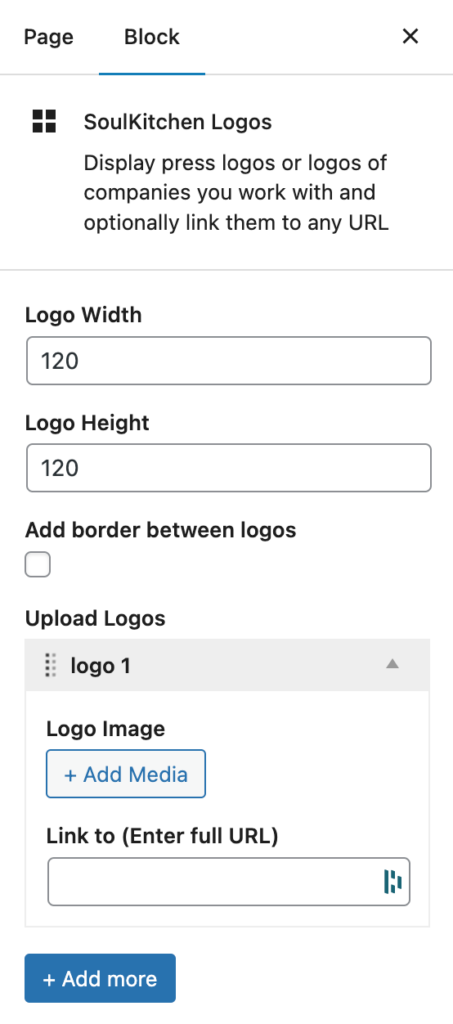
This block comes with the following settings:
- Logo Width
Set a max width for the logo images in pixels (default: 120) - Logo Height
Set a max height for the logo images in pixels (default: 120) - Add border between logos
Add a light grey border between the logo images - Upload Logos
- Logo Image
- Link to (Enter full URL)
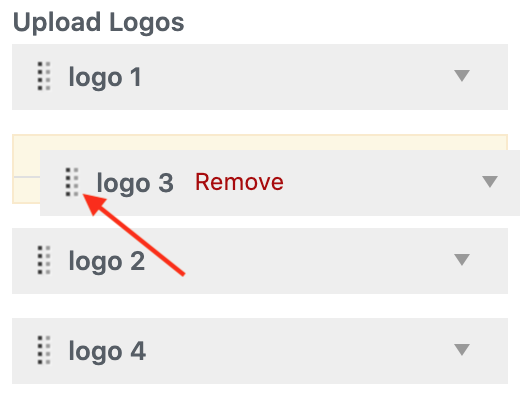
- Remove a logo by hovering over a logo box and clicking Remove.
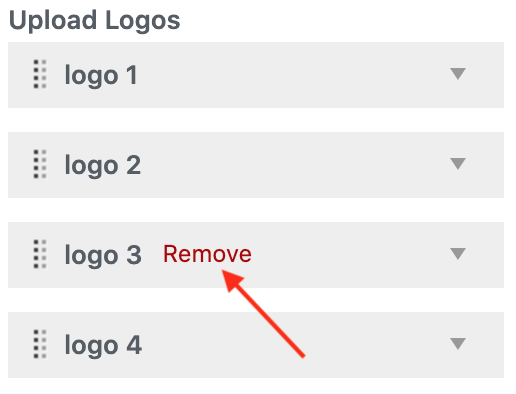
- Reorder logos by clicking the dots on the left side and dragging the logo up or down.