- Install & Activate the Contact Form 7 plugin.
- Go to Contact > Add New and set up your contact form.
Example from the Theme Demo Wholesale Page:
<label> Company*
    [text* your-company] </label>

<label> Contact Name*
    [text* your-name] </label>

<label> Your Email*
    [email* your-email] </label>

<label> Phone*
[tel* your-tel] </label>

<label for="businesstype">Business Type*</label>
[select* your-business-type id:businesstype  "Cafe" "Restaurant" "Office" "Other"]

<label> Tell us more about You*
    [textarea* your-message] </label>

[submit "Send"]
You can find more info on how to work with Contact Form 7 in the Contact Form 7 Docs.
- Click Save and copy the shortcode that you find below the title field.
- You can now past the shortcode into any page, using the shortcode block.
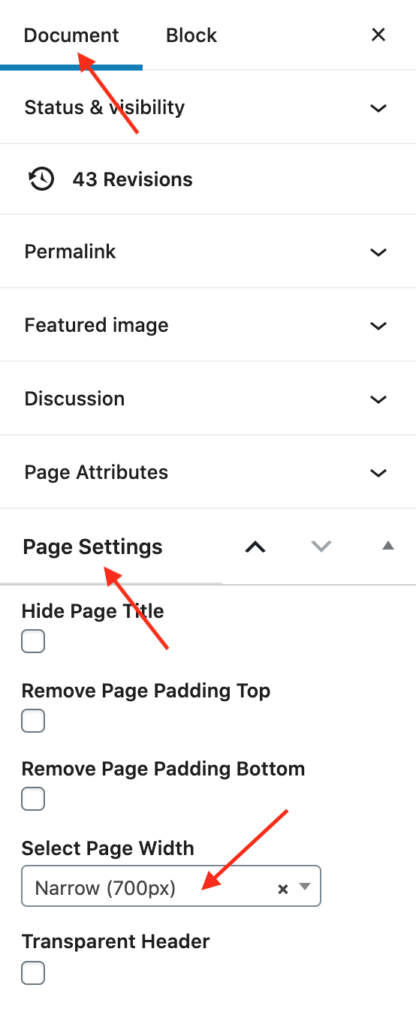
INFO: The Wholesale Page in the Theme Demo uses Narrow Page width (Document > Page Settings > Select Page Width: Narrow (700px).